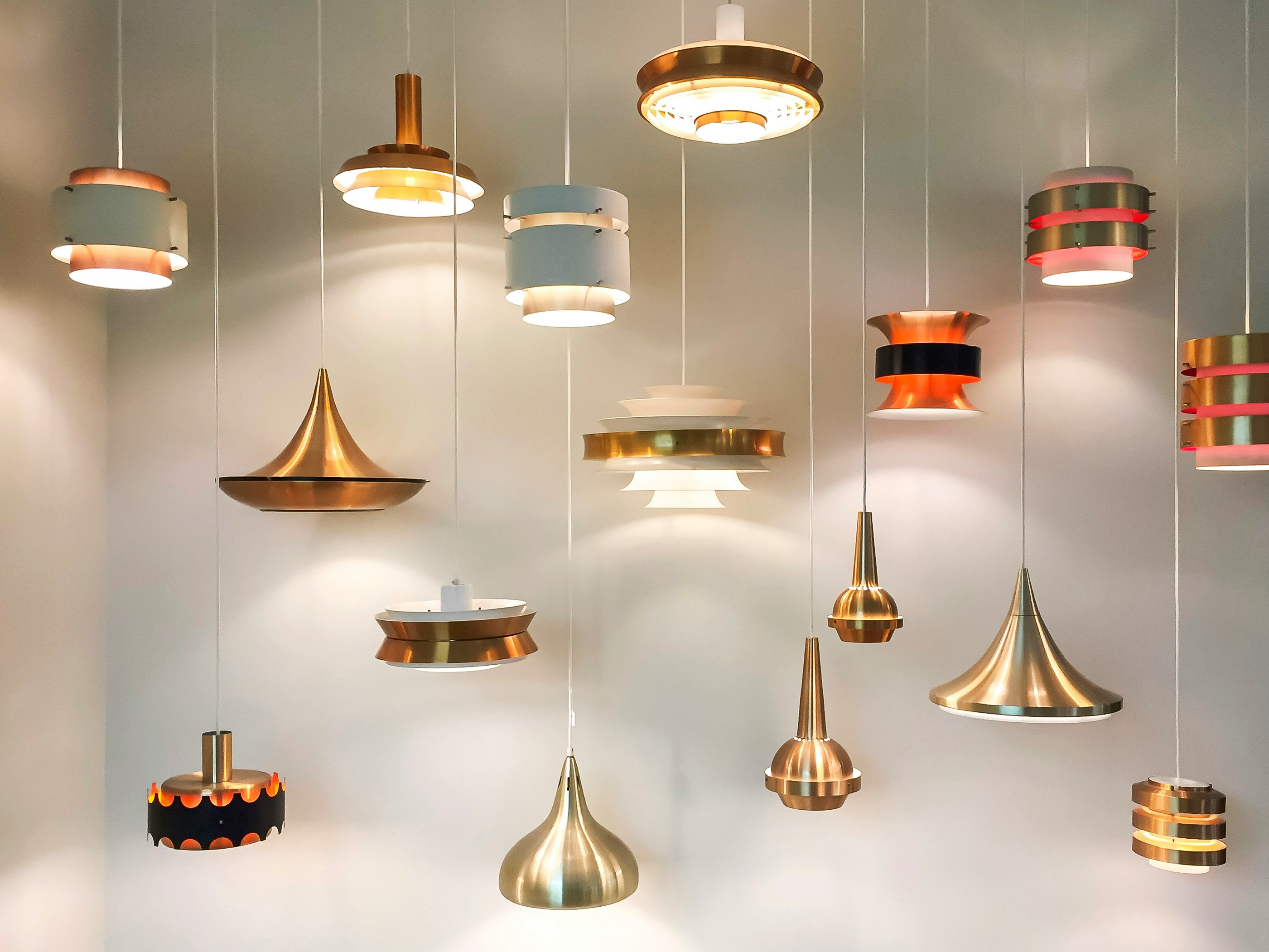
hen we step into a beautifully lit room, our eyes don't read the engineering schematics or
calculation logs. They read the atmosphere. They sense the intimate warmth of a cozy
lounge or the crisp alertness of a modern workspace. For years, capturing this sensory
reality required exporting heavy files into standalone rendering software or waiting hours for
static images to compile.
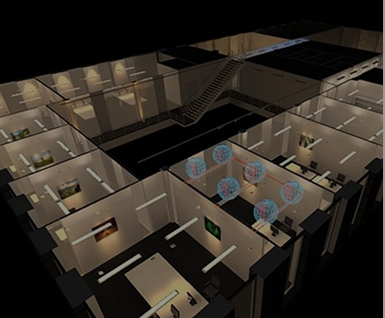
The integration of 3D lighting calculation with real-time web engines changes the entire
equation. By bringing powerful visualization tools directly into your browser, the design
workflow transforms from a sequence of technical calculations into an active, visual
exploration of light, color, and texture.
Visualizing the Spectrum: The Power of Color Temperature
One of the most critical aspects of spatial storytelling is choosing the correct Correlated
Color Temperature (CCT). Light color dictating human mood isn't a theory—it’s a physical
reality that changes how an interior functions. Web-based simulators let you immediately
swap and view these shifts in real-time, allowing you to visually verify the atmosphere before
selecting hardware:
4000K (Neutral White): Clean, crisp, and functional. Ideal for offices, task areas, or
minimalist environments where clarity and focus are paramount. It keeps colors true
and spaces feeling expansive.
3000K (Warm White): The universal balance. It provides a welcoming,
hospitality-focused vibe that softens shadows while maintaining enough vitality for
reading and daily living.
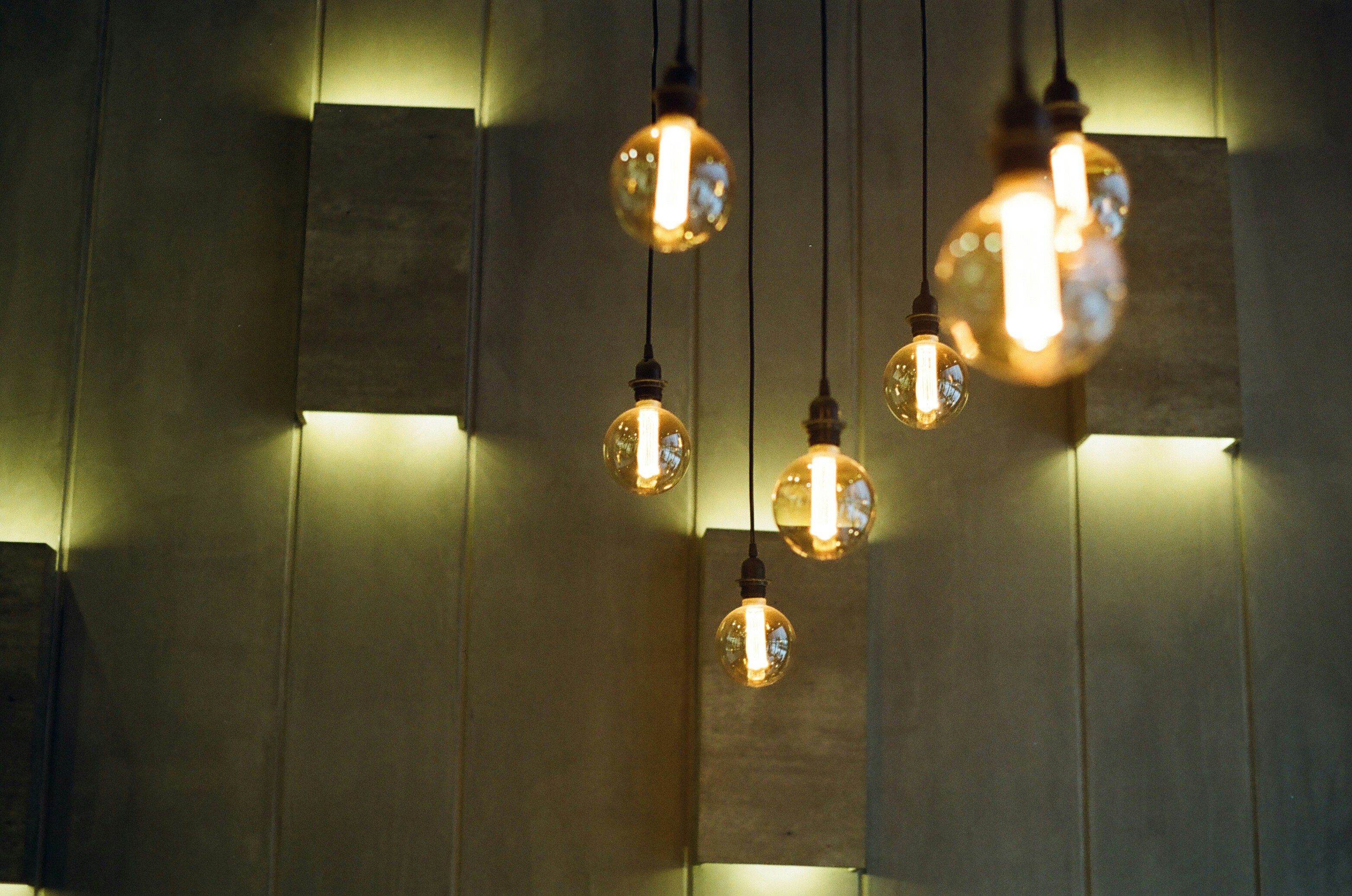
2700K (Ultra-Warm/Incandescent): Deeply intimate and restorative. This spectrum
mimics golden-hour tones, pulling out the rich grain in natural woods and creating an
immediate sense of relaxation.
Having the ability to instantly switch a 3D scene between 4000K, 3000K, and 2700K within a
single dashboard tab doesn’t just speed up your design phase—it allows you to show clients
exactly how their space adapts from a bright afternoon to an intimate evening setting.
The Material Multiplier: Why Surfaces Matter
Light never exists in a vacuum; it only becomes visible when it strikes a surface. A common
pitfall in basic lighting design is calculating lux levels as if walls and floors are perfectly gray,
flat planes. In the physical world, materials dictate the behavior of light.
When designing a professional space, you have to remain highly aware of your surfaces
because they directly affect the ambient bouncing of light:
Reflectance and Absorption: A polished white marble floor acts like a mirror,
bouncing lumens upward and maximizing your light efficiency. Conversely, dark wood
planks or textured concrete absorb light greedily, requiring careful fixture placement
to avoid accidental dark voids.
Vertical Mapping: Illuminating a wall changes the perceived volume of a room.
Using a beam angle simulator to graze a textured stone facade at 2700K creates
high-contrast shadows that accentuate depth, whereas a clean 4000K wall wash
flattens textures for a more clinical, spacious feel.
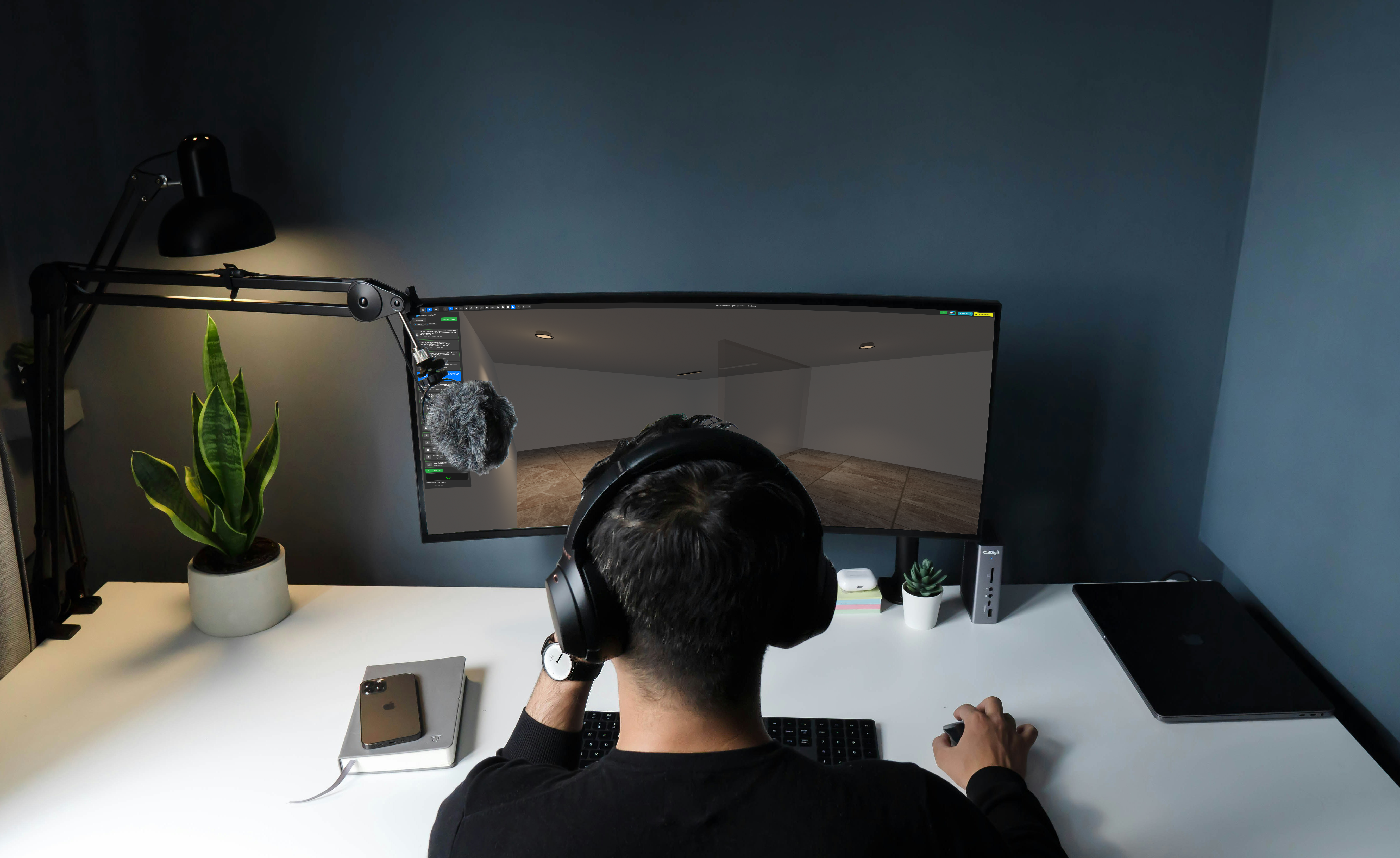
A web-based 3D workspace lets you map these exact material characteristics onto your
walls and floors. As you adjust textures, the calculation engine dynamically recalculates the
scatter of light, giving you an honest, high-fidelity preview of how the physical environment
will react.
Bridging the Concept and the Code
By combining a dynamic 3D lighting calculation engine, an active lux calculator, and an
interactive beam angle simulator, web tools merge technical responsibility with pure
aesthetic freedom. You are no longer guessing how a fixture will perform, nor are you
over-designing out of fear. You are shaping light with total confidence, backed by data, and
guided by clear visual feedback.
Ready to see how color temperature and textures transform your space? Log in to the
dashboard to test your layouts, experiment with material reflectivity, and build your next
project documentation with absolute precision.
Enter the Blox Playground
Stay tuned for more lighting topics!
Blox's Team, Light Less Ordinary.